
Time tracking app for your
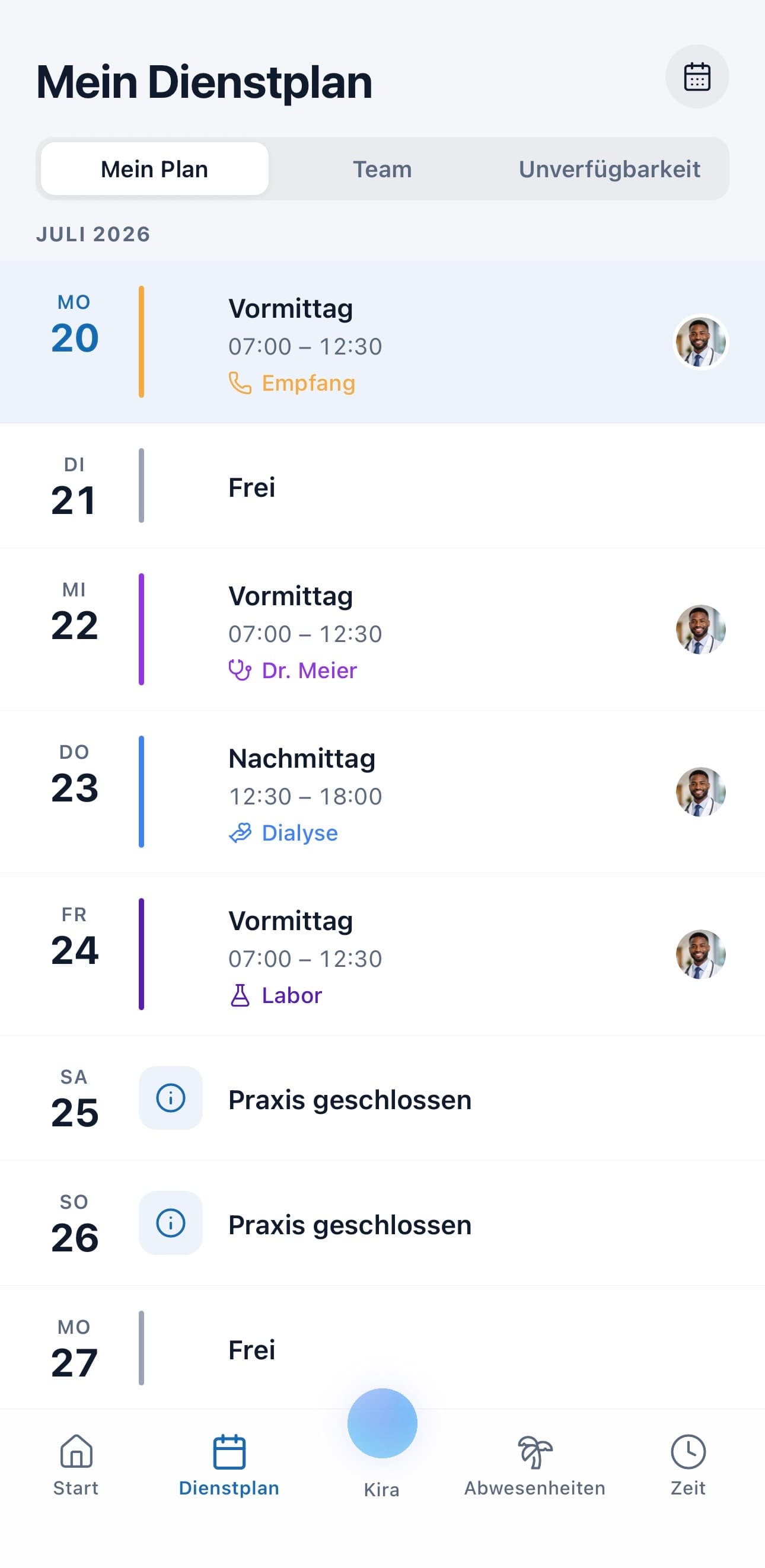
The medishift time tracking app knows who was rostered when: clock in and out with a timer or enter hours manually — right next to your practice's schedule, not in a second tool.
Scheduling and vacation planning are free forever for up to 10 employees. Time tracking is included from Premium.

Start for free today
Start free with scheduling and vacation planning - add the time tracking app from Premium.
Start for free nowThe time tracking app built for your practice
Clock in, or fill it in later: your team starts the timer on arrival and stops it on the way out. Anyone who forgets in the rush of a busy morning simply enters the hours manually instead. Breaks are captured and deducted from working time, so nobody is left doing arithmetic at the end of the month. Both ways of working are covered, because both happen in a real practice.
Tracking where the work happens: time tracking sits inside the same mobile app your team already uses to check the schedule. Clocking in and out works on the move, and everyone can see their own tracked hours. There's no terminal to mount on a wall and no clipboard at reception.
Correct it, don't argue about it: admins see their team's tracked time and can fix entries after the fact — someone forgot to clock out and it's sorted in seconds. Tracked time feeds into the overtime account, which keeps the balance of target versus actual hours up to date.
Why the medishift time tracking app?
The medishift time tracking app records hours in the same place your schedule already lives
Time tracking app with a timer to clock in and out, or manual entry of hours (Premium and up)
Breaks are captured and deducted from working time automatically
A clock in app that works on mobile - start the timer and review your own hours on the go
Admins correct forgotten entries after the fact, with no detour through a second file
Tracked time feeds the overtime account and the target-versus-actual report
Time tracking app and schedule in one system - time tracking is included from Premium
A time tracking app for practices and care services
Most tools are built for construction sites or agencies, not for a practice with consultation hours, part-timers and rotating shifts. The medishift time tracking app assumes a schedule already exists: your team clocks in and out with a timer, or enters hours manually, and both land in the same system as the shift planning. That is what makes it a time tracking app for medical practices rather than a generic stopwatch — the plan and the hours actually worked already sit side by side, with no second tool to reconcile. Most standalone tools fall down exactly there: they capture hours but have no idea who was rostered when.
The second difference is correction. In every practice someone eventually forgets to clock out — during an emergency, between two patients, at the end of a long shift. Admins see their team's tracked hours and put the entry right, rather than nobody remembering how long was actually worked once the month is over. Breaks come off working time automatically. A work time tracking app that can't do that has only moved the arithmetic from paper to a screen.
Because tracking lives in the same mobile app as the schedule, your team needs no second login and no wall terminal. Clocking in and out happens where people already look to find out when they are working, which is the whole point of a clock in app your staff will actually open. A work time tracking app nobody remembers to use is worse than no tracking at all. Time tracking is included from Premium; scheduling, vacation planning and the mobile app stay free forever for up to 10 employees, so you can add tracking later. Your data stays GDPR-compliant on servers in Germany.
Discover the Medishift platform
A comprehensive solution for modern staff planning in medical facilities
Intelligent Shift Planning
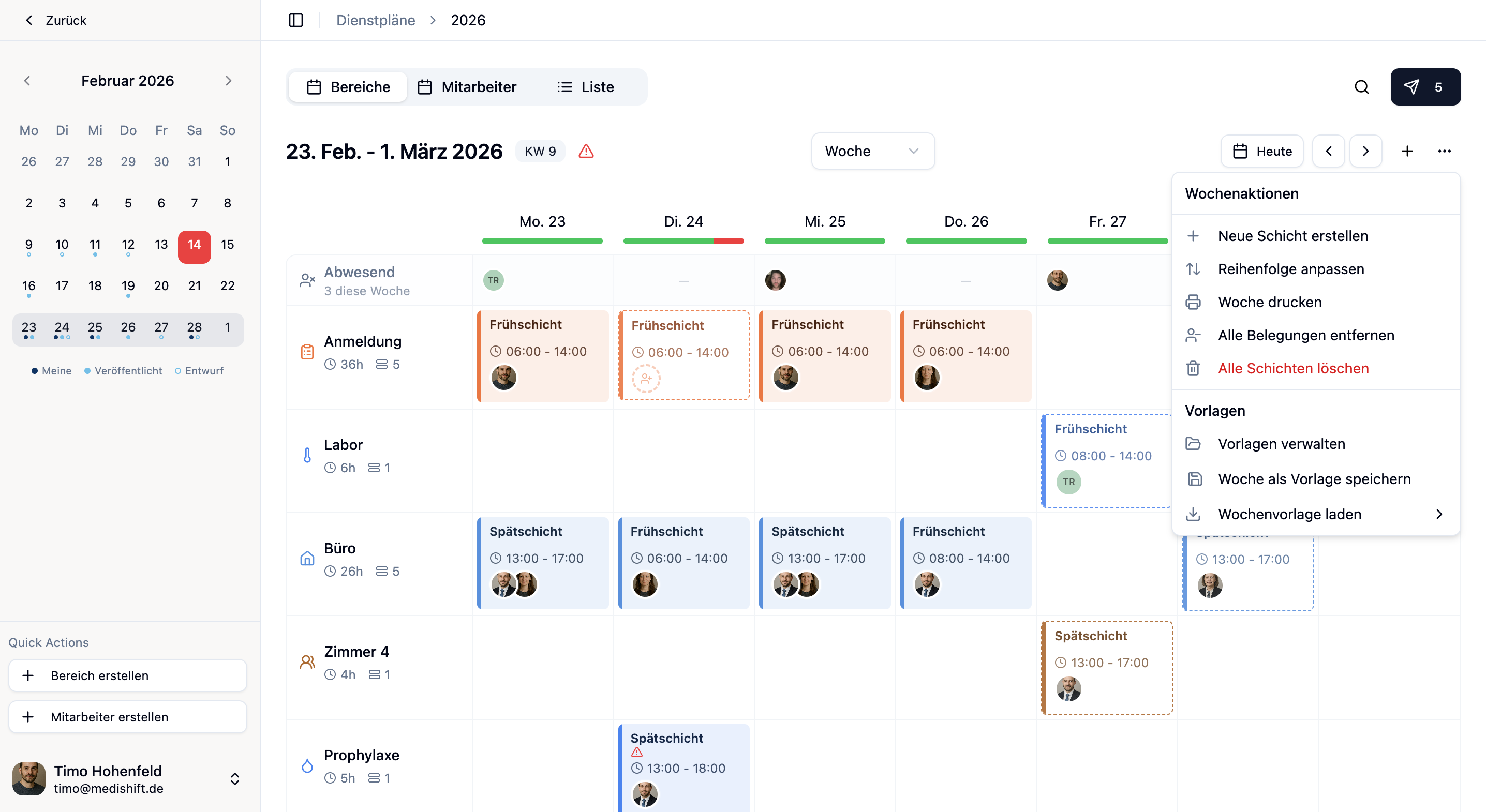
Create schedules with week templates, rule system and absence management. The rule system automatically checks working hours, double bookings and unavailabilities.
Vacation Management
Manage practice closures or employee absences. Each employee has their own vacation account and vacation days are automatically calculated.
Mobile App
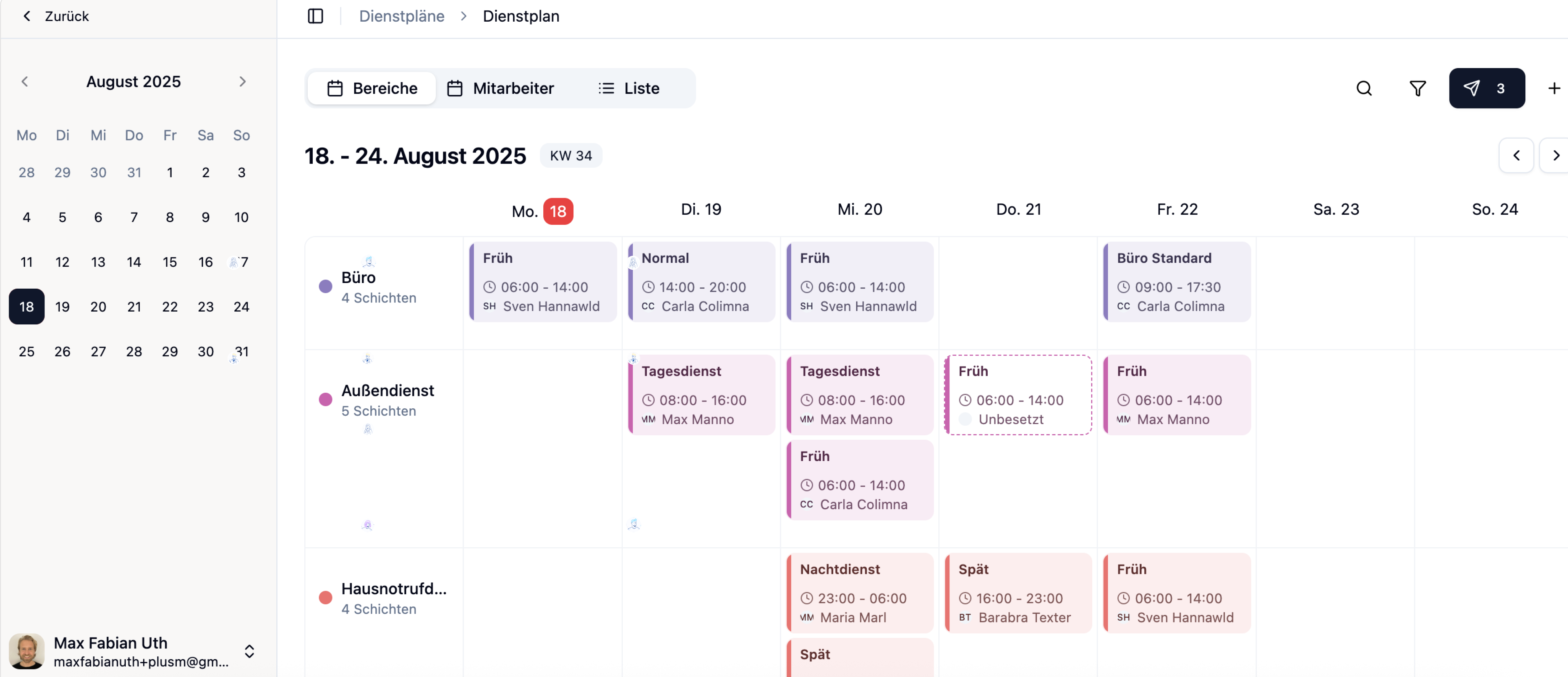
Via the mobile app, employees can view their schedules, apply for open shifts, submit vacation requests or set their unavailabilities. Admins can also plan on mobile: create and publish shifts, approve absences and use Kira.
Your practice on autopilot.
The results speak for themselves.
High quality starts with your organization
Free yourselves from old tables and manual processes.
Three reasons
practices choose medishift
What drives us and why customers love us.
Maximum simplicity
Our product should feel as simple as possible. We eliminate every unnecessary click and steep learning curve.
AI that takes work off your plate
Kira, our AI assistant, handles the routine: create shifts on command, apply templates and resolve conflicts – you say what should happen, Kira does it.
Made in Europe
Your data stays in Europe. Fully GDPR-compliant, highest security standards, no compromises.
Features that deliver.
From shift planning to vacation management.
Shift Planning
Vacation Planning
Employees
Frequently Asked Questions
Here you'll find answers to the most important questions about Medishift
Take Your Practice to the Next Level
Create schedules in minutes instead of hours, eliminate manual work, and give your team more planning reliability.
Start Free Now